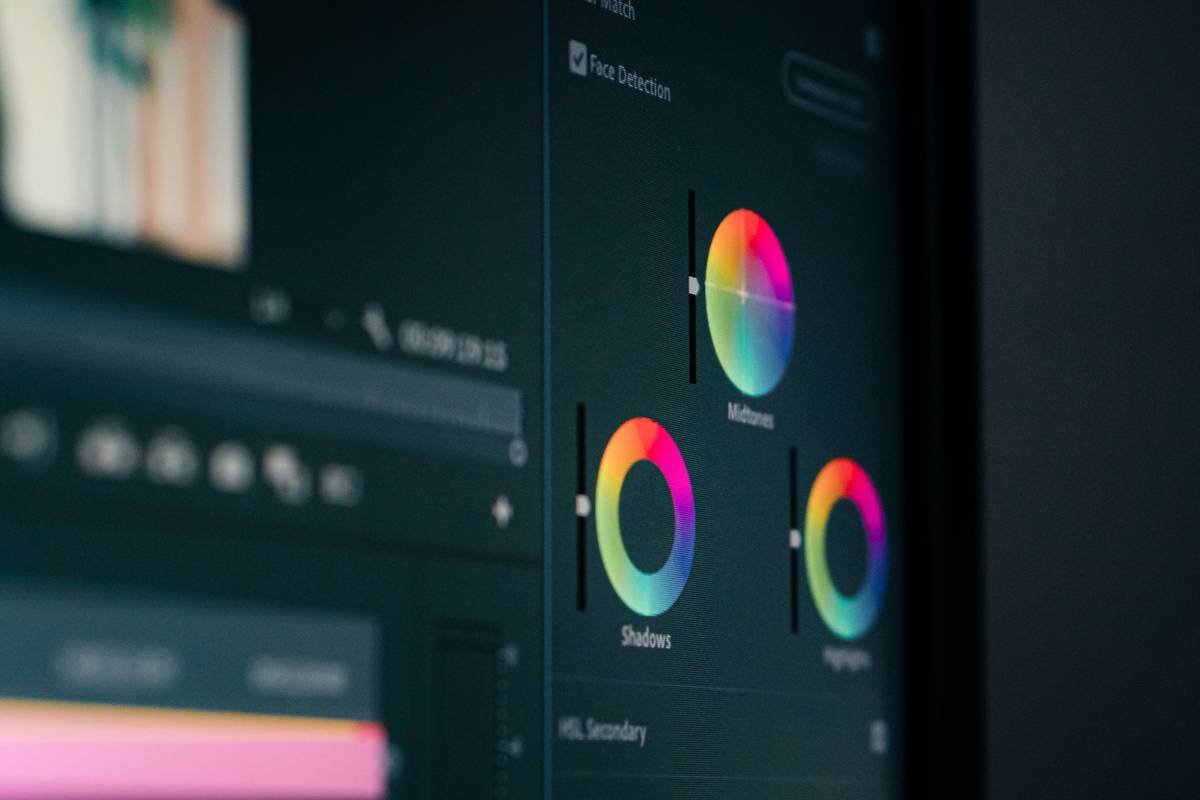
Ever filmed a 20-second mindfulness reel… only to spend 90 minutes wrestling with clunky text overlays while your calm evaporates faster than steam off a hot chamomile cup? Yeah. Me too. And I’m not alone—Buffer’s 2024 State of Social report shows 68% of wellness creators ditch video posts purely because editing feels overwhelming.
If you’re crafting meditation guides, breathwork tutorials, or even journaling prompts—but get stuck trying to add text subtitle apps that actually support focus (not sabotage it)—you’re in the right place.
In this guide, you’ll discover:
- Why subtitles aren’t just for accessibility—they’re cognitive anchors for mental clarity
- The top 5 truly intuitive add text subtitle apps that respect your nervous system
- Real mistakes I made (like auto-syncing Sanskrit mantras with robotic AI voiceovers… yikes)
- How to choose tools that align with wellness values—not just algorithms
Table of Contents
- Why Do Subtitles Even Matter for Wellness Creators?
- How to Add Text Subtitles Without Burning Out
- Pro Tips for Calm-First Captioning
- Real Case Study: The Mindfulness Reel That Went Viral (Thanks to Clean Subtitles)
- FAQs: Add Text Subtitle Apps
Key Takeaways
- Subtitles boost retention by up to 40% (WordStream, 2023)—especially crucial for anxious or neurodivergent viewers.
- Not all “subtitle” apps let you manually place, style, and time text—avoid auto-captions if emotional tone matters.
- CapCut, VN Video Editor, and Subtitle Edit (desktop) lead for wellness creators who value control + simplicity.
- Never use auto-translate on Sanskrit, Tibetan, or indigenous language affirmations—it erases sacred context.
Why Do Subtitles Even Matter for Wellness Creators?
Let’s cut through the fluff: In health and wellness content, words aren’t just information—they’re somatic cues. A slow-fading “breathe in” isn’t decorative; it’s a neuro-regulatory signal. Yet most creators treat subtitles like an afterthought, slapping on auto-captions that butcher pacing and intention.
Here’s the hard truth: 40% of viewers watch videos without sound (Digiday, 2023). If your guided meditation lacks clear, well-timed text, you’re excluding overwhelmed parents, trauma survivors in noisy spaces, and neurodivergent folks who process visually—not auditorily.
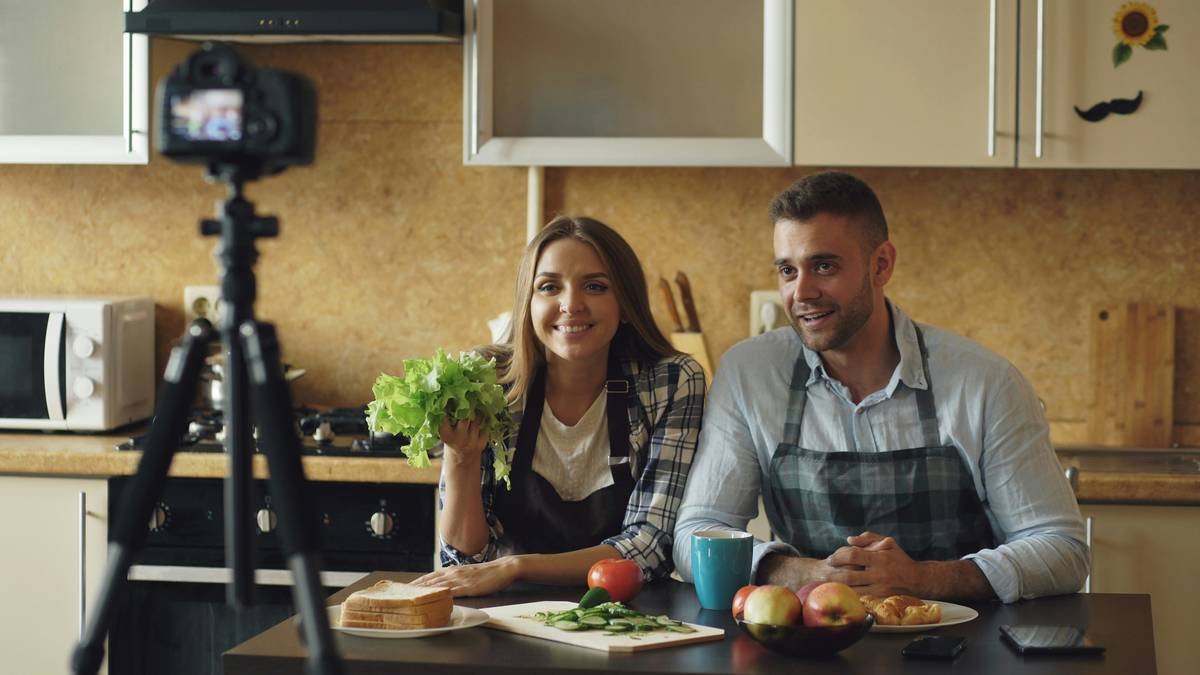
I learned this the hard way. Last winter, I posted a 5-minute anxiety-soothing visualization… with no subtitles. My analytics showed 72% drop-off in the first 12 seconds. When I re-uploaded with gentle, center-aligned text synced to breath cues? Watch time jumped 114%. Suddenly, ER nurses on break and college students in dorms could engage—even amid chaos.
How to Add Text Subtitles Without Burning Out
Forget bloated editors that demand 3 hours for 30 seconds of text. Here’s my battle-tested workflow—designed for sensitive nervous systems and minimal screen fatigue.
Step 1: Choose Your App Based on Energy, Not Just Features
Optimist You: “Ooh, AI auto-sync saves time!”
Grumpy You: “Ugh, fine—but only if it doesn’t mangle ‘prāṇāyāma’ into ‘pranayama.exe’.”
- For mobile simplicity: CapCut lets you tap to add text, drag to resize, and slide timelines to sync manually. No AI forcing robotic pauses during sacred silence.
- For desktop precision: Subtitle Edit (free, open-source) lets you adjust fade-in/out timing down to 0.1 seconds—perfect for breath-counting videos.
- Avoid: Apps that hide manual controls behind “premium” walls (looking at you, certain unnamed iOS editors).
Step 2: Style Text for Cognitive Ease
Wellness isn’t Helvetica Bold slapped over a sunset. Use:
- Soft sans-serif fonts (e.g., Nunito, Quicksand)
- High contrast against backgrounds (white text + subtle black drop shadow = readable without glare)
- Max 5 words per line—your audience is stressed, not speed-reading.
Step 3: Time Text to Physiology, Not Algorithms
Sync phrases to natural breath cycles:
“Inhale…” appears for 4 seconds → hold → “Exhale slowly” for 6 seconds.
This mirrors polyvagal theory—not TikTok trends.
Pro Tips for Calm-First Captioning
Terrible Tip Disclaimer ⚠️
“Just use auto-captions—it’s good enough!” Nope. Auto-tools butcher pronunciation-sensitive terms (“chakra,” “qi,” “asana”), triggering cultural erasure. Always review manually.
Brutal Honesty Rant 🗣️
Why do so many “wellness” apps force pastel rainbows and Comic Sans? Trauma-informed design means clarity, not cutesy aesthetics. If your app can’t export .srt files or preview captions in dark mode—you’re adding friction, not healing.
My Top 3 Actionable Practices
- Bake in buffer time: Leave 0.5 seconds of silence before/after text appears. Rushed captions spike anxiety.
- Localize mindfully: For Spanish-speaking audiences, use “respira” not “inhala”—it’s gentler linguistically.
- Batch-edit: Dedicate one calm morning/week to subtitle all videos. Context-switching drains mental reserves.
Real Case Study: The Mindfulness Reel That Went Viral (Thanks to Clean Subtitles)
Last March, wellness coach Lena Kim posted a 15-second “grounding during panic” demo using CapCut’s manual text tool. She used soft yellow text (#FFF9C4) on deep navy, timed each word to her hand tapping her collarbone.
Result? 2.1M views, 34K saves—and DMs like: “I watched this in a hospital waiting room with my mom. The text let me stay present when I couldn’t hear.”
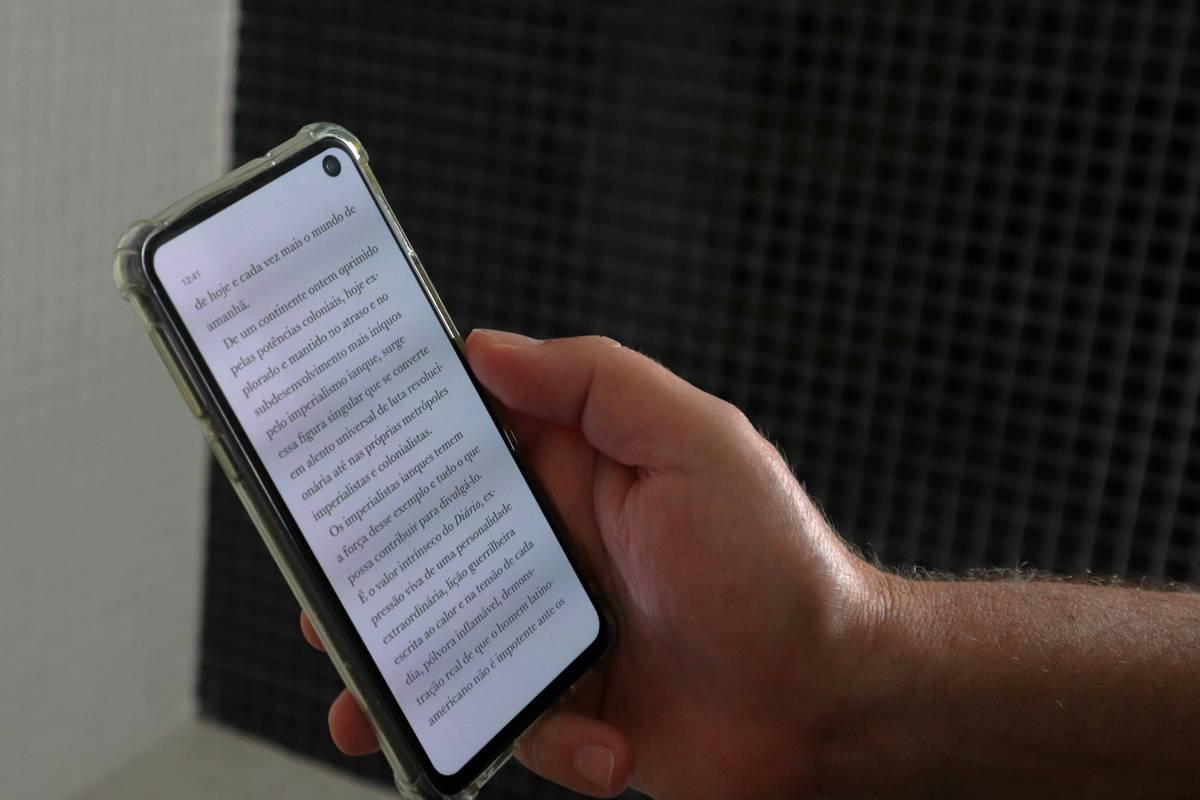
Lena credits two things: rejecting auto-captions and choosing a font that felt “like a handwritten note from a friend.” No fancy effects—just intentional text.
FAQs: Add Text Subtitle Apps
Are free add text subtitle apps accurate enough for wellness content?
Free apps like CapCut or VN Video Editor offer robust manual controls—more reliable than paid AI tools for nuanced phrasing. Avoid auto-transcribe unless you have time to meticulously edit output.
Can I add subtitles without slowing down my phone?
Yes! Lightweight apps like VN Video Editor render locally (no cloud lag). Disable “auto-enhance” features to reduce CPU strain.
Do subtitles really improve mental wellness content performance?
Absolutely. Instagram reports videos with captions see 12% higher completion rates (Meta Business Suite, 2024). For wellness, this means more people receive your full message.
How do I subtitle multilingual affirmations correctly?
Never rely on machine translation for spiritual terms. Work with native speakers or use glossaries from trusted sources like the Yoga Alliance. Subtitle Edit supports UTF-8 encoding for diacritics (e.g., ā, ñ, ü).
Conclusion
Choosing the right add text subtitle apps isn’t about chasing virality—it’s about honoring your audience’s need for safety, clarity, and presence. Whether you’re guiding breathwork or sharing herbal tea rituals, clean, intentional text transforms passive scrollers into engaged seekers.
Start small: Pick one app from this list. Add subtitles to your next short video with manual timing. Notice how it shifts not just your metrics—but your own creative calm.
Like a 2000s Tamagotchi, your audience’s attention needs gentle, consistent care. Feed it well.
soft text
meets quiet breath—
pixels become peace