You’ve got a killer playlist. Great vocals. But your karaoke night flops because the lyrics appear too early—or worse, not at all. Timing is everything. And most free tools treat subtitles like afterthoughts. Here’s how to create karaoke subtitles that hit every beat, keep your audience engaged, and won’t make you rage-quit before verse two.
Why Most Karaoke Subtitle Tools Fail Spectacularly
They assume speech is robotic. Linear. Predictable. It’s not. Real singing breathes—pauses slip in, ad-libs explode, tempo sways. Yet 90% of caption makers force rigid line-by-line timing. The result? Lyrics flashing during instrumental breaks or vanishing mid-chorus. And syncing manually? A nightmare if you’re not trained in audio waveforms.
But here’s the kicker—most users don’t even know they can control syllable-level highlighting. They settle for block text. Boring. Disconnected. Unkaraoke-like.
How to Create Karaoke Subtitles That Feel Alive
Forget uploading a .txt file and hoping for magic. True karaoke subtitles pulse with the music. Below is a battle-tested workflow using accessible tools—no pro audio degree required.
Pick the Right Base Format
LRC files are outdated. Use .ASS (Advanced SubStation Alpha)—it supports per-syllable coloring, positioning, and effects. Nearly all modern players (VLC, MPV, even YouTube via converters) support it.
Time Like a Human, Not a Robot
Import your audio into Audacity (free). Listen. Tap your foot. Mark phrase boundaries—not word counts. Then, use Aegisub (free, open-source) to assign timings visually. Drag start/end points while hearing playback. No guesswork.
Add Syllable Highlights (The Secret Sauce)
In Aegisub, split lines into individual words or syllables. Apply fade-in/fade-out effects so each unit glows as it’s sung. This mimics real karaoke machines—where anticipation builds before each word lights up.
| Method | Cost | Syllable Control? | Learning Curve |
|---|---|---|---|
| Online auto-caption generators | Free–$15/mo | No | Low |
| YouTube auto-captions + manual edit | Free | Basic only | Medium |
| Aegisub + Audacity (manual sync) | Free | Yes | High—but worth it |
| Professional karaoke software (e.g., KaraFun Creator) | $50–$200+ | Yes | Medium |
The math is simple: free tools with zero syllable control = amateur hour. Invest 90 minutes learning Aegisub once—and never settle again.
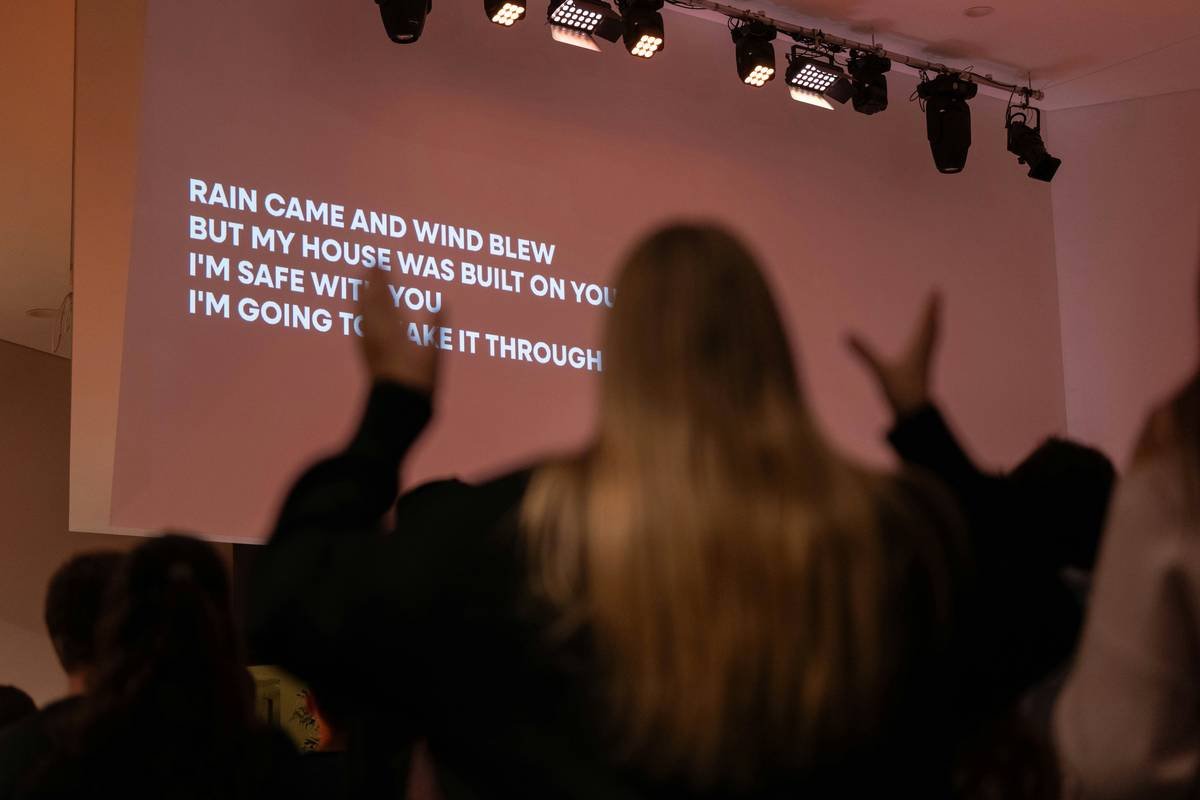
The Industry Secret: Karaoke Isn’t About Lyrics—It’s About Anticipation
Top karaoke venues don’t just display words—they engineer micro-tension. The best subtitle designers insert 0.2-second gaps before key words (like “love” or “fire”) so singers lean in. It’s psychological choreography. And yes, you can replicate this at home. In Aegisub, nudge end-times slightly early on pre-chorus lines. When the chorus hits, delay the first word by 150ms. Feels dramatic? Good. That’s the point. Most DIY creators skip this—but it’s what separates functional captions from unforgettable ones.
Frequently Asked Questions
Can I create karaoke subtitles for YouTube videos?
Yes—but YouTube doesn’t support animated syllables natively. Convert your .ASS file to .SRT first, then upload. For full effects, host the video elsewhere (like Vimeo Pro) or embed via HTML5 players that support .ASS.
Do I need musical training to time subtitles accurately?
No. Just decent headphones and patience. Tap your desk to the beat. If you can clap on 2 and 4, you can time karaoke subtitles.
Is there an app that auto-syncs lyrics to music for karaoke?
Not reliably. AI tools misread pitch shifts and vibrato as silence. Manual sync in Aegisub remains the gold standard—even pros use it.