
Have you ever watched a video, only to squint at the screen because the captions were barely legible? Or worse, abandoned it entirely because reading felt like deciphering hieroglyphics? Yeah, us too. Subtitles are supposed to enhance your experience—not make you regret pressing play.
In this guide, we’ll dive deep into the world of caption font changers, apps that not only improve readability but also boost productivity and well-being. Whether you’re creating content or binge-watching Netflix, you’ll learn why customizing subtitle fonts matters and how to do it effectively. Get ready for tips, tools, and even some grumpy commentary along the way!
Table of Contents
- Key Takeaways
- Why Caption Fonts Matter More Than You Think
- Step-by-Step Guide to Using a Caption Font Changer
- Tips for Boosting Productivity Through Better Subtitles
- Real-Life Examples of Good vs. Bad Subtitles
- FAQs About Caption Font Changers
Key Takeaways
- The right caption font can prevent eye strain and improve comprehension.
- Using a caption font changer app enhances both creator workflows and viewer experiences.
- Accessibility isn’t just about compliance—it’s about making life easier for everyone.
- One terrible tip: Avoid Comic Sans unless you hate humanity (and good design).
Why Caption Fonts Matter More Than You Think
Let me start with a confession: I once spent an entire weekend editing subtitles where every other line disappeared off-screen due to poor formatting. It was infuriating—not to mention time-consuming—and taught me one thing: default fonts are rarely enough.
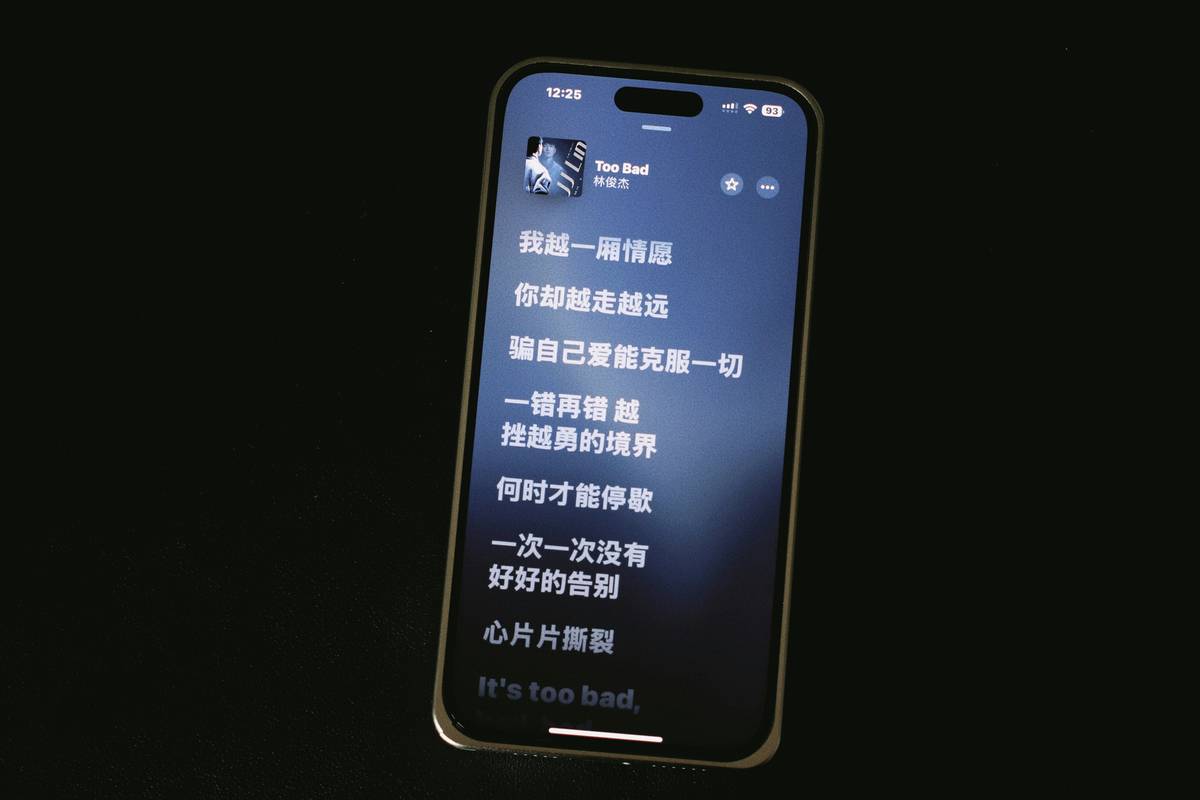
Here’s the deal: our brains process visual information faster than anything else. If your subtitles look like they belong in a ransom note, no amount of witty dialogue will save you. Studies show that clear, readable text can reduce cognitive load, helping people focus on what truly matters—the content itself.
Optimist You:
“Customizing my subtitle fonts sounds fun!”
Grumpy You:
“Ugh, fine—but only if there’s a tutorial involved.”
Step-by-Step Guide to Using a Caption Font Changer
Step 1: Choose Your Tool Wisely
Not all caption font changers are created equal. Some popular options include:
- Kapwing: Great for beginners; intuitive interface.
- Aegisub: Advanced users love its flexibility.
- Subtitle Edit: Open-source powerhouse with endless customization.
Step 2: Select Your Perfect Font
Stick to clean sans-serif fonts like Arial or Helvetica. Why? They’re professional, easy to read, and less likely to cause migraines.
Step 3: Adjust Size and Color
Bigger is better when it comes to readability. Also, ensure sufficient contrast between the background and text. White-on-black works wonders.
Optimist You:
“With these tweaks, my viewers won’t even notice the effort behind perfect subtitles.”
Grumpy You:
“But does anyone actually care?” Yes, trust us—they do.
Tips for Boosting Productivity Through Better Subtitles
- Use Shortcut Keys: Learn hotkeys within your caption font changer app to speed up workflow.
- Batch Edits: Apply changes across multiple lines instead of tweaking each one individually.
- Automate Transcription: Leverage AI tools to generate initial drafts before refining manually.
Pet peeve alert: Stop using dark red subtitles against gray backgrounds—it looks amateurish and gives everyone a headache.
Real-Life Examples of Good vs. Bad Subtitles
Case Study: Let’s talk Disney+. Their subtitles shine thanks to consistent styling and thoughtful placement. On the flip side, YouTube videos plagued by auto-generated nonsense remind us why manual editing reigns supreme.
FAQs About Caption Font Changers
Can I Change Subtitles on Streaming Platforms?
Most platforms allow limited adjustments, but third-party apps give you full control over styles.
Is There a Free Caption Font Changer?
Yes! Tools like Subtitle Edit offer robust features without breaking the bank.
Why Does My Text Keep Disappearing?
This usually happens with improperly timed subs. Double-check sync settings.
Conclusion
When done right, customized subtitles can transform any piece of media from inaccessible to unforgettable. Remember, the goal isn’t perfection—it’s clarity. So grab your favorite caption font changer, experiment boldly, and watch your productivity soar.
And hey, don’t forget to laugh through the grind. Like a Tamagotchi, your SEO needs daily nurturing—just maybe not while wrestling Comic Sans.
Fonts so clean,
Eyes thank you endlessly—
Netflix and zen vibes.

