
Ever stared at a video project, overwhelmed by the tiny task of adding subtitles? You’re not alone. For many content creators, manually syncing captions can feel like being stuck in an endless Zoom call—tedious and soul-sucking. But what if you could make this chore disappear with just a few clicks?
In this guide, we’ll explore how video subtitle overlay apps transform not only your work efficiency but also your mental well-being. Let’s dive into actionable strategies, tools, and tips to reclaim hours of your life without sacrificing creativity.
By the end of this article:
- You’ll understand why video subtitle overlay matters.
- We’ll break down step-by-step how to choose and use these tools effectively.
- You’ll discover my terrible-but-hilarious mistake that wasted DAYS of editing time.
Table of Contents
- Key Takeaways
- The Pain Point: Why Manual Subtitles Suck
- How to Effortlessly Add Video Subtitle Overlay
- Best Practices for Using Subtitle Apps
- Real-Life Success Stories: When Subtitles Saved the Day
- Frequently Asked Questions About Video Subtitle Overlay
Key Takeaways
- Video subtitle overlay saves time and reduces stress for content creators.
- AI-powered tools are faster than manual methods and improve accessibility.
- Avoid using outdated software; it slows down productivity and frustrates users.
- Incorporate humor and authenticity into your content to connect better with audiences.
The Pain Point: Why Manual Subtitles Suck

Let me confess something deeply embarrassing. Once upon a time—I spent six WHOLE HOURS on one YouTube short because I insisted on typing subtitles word-for-word. Ugh. My arms hurt just thinking about it.
“Optimist Me:” “You got this! Just type everything out!”
“Grumpy Me:” “Did someone say Carpal Tunnel Syndrome?”
Beyond physical strain, there’s the mental toll. Editing videos until midnight isn’t exactly a recipe for self-care or good sleep hygiene. That’s where mastering video subtitle overlay techniques becomes both practical and therapeutic.
How to Effortlessly Add Video Subtitle Overlay
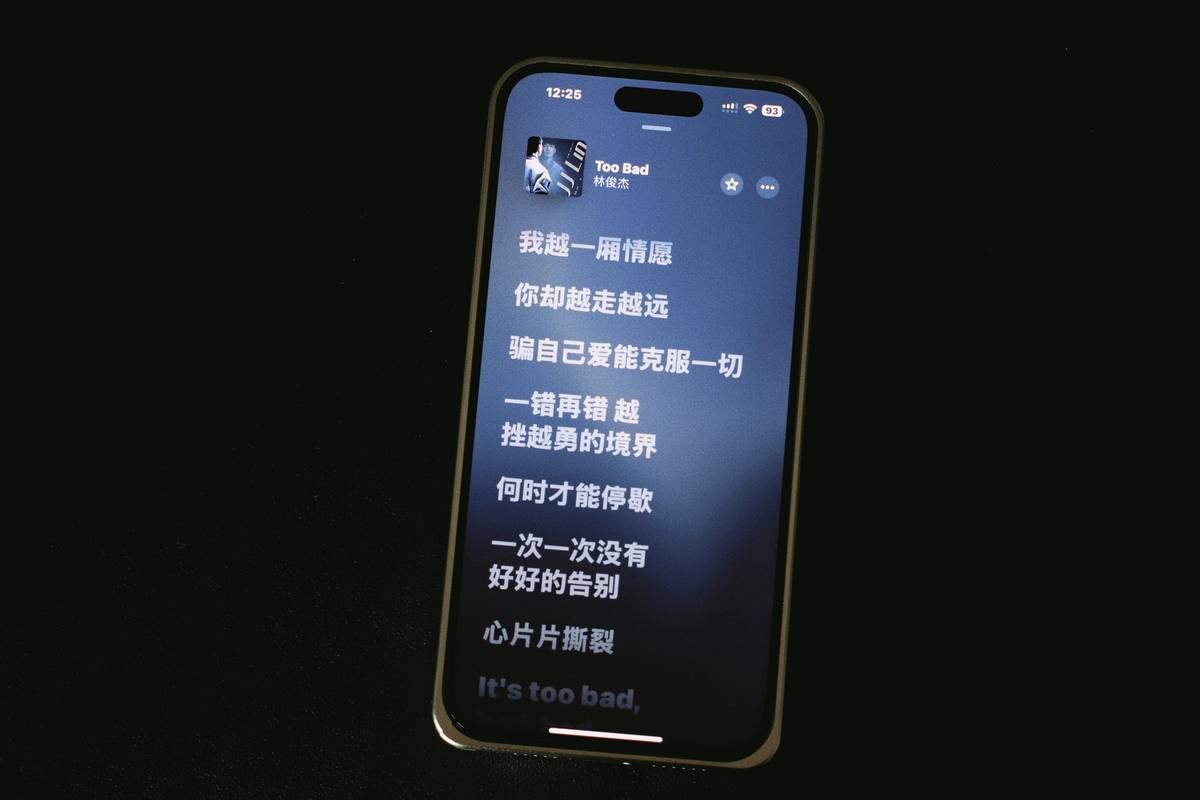
Congratulations, you’ve decided enough is enough. Here’s how to automate your way to freedom:
Step 1: Choose the Right App for Video Subtitle Overlay
- Descript: Perfect for podcasters who need seamless transcription-to-video integration.
- Kapwing: Ideal for social media pros focused on quick edits.
- Veed.io: Offers advanced customization options while remaining intuitive.
Pro Tip: Test free trials before committing. No shade, but some “pro” tools feel like dumpster fires once you actually start using them.
Step 2: Upload Your File & Generate Automatic Transcripts
Most modern platforms offer AI transcription services. Hit upload, let the algorithm do its thing, and watch those dreaded timelines fill up automatically. Sounds like magic? Kinda is.
Step 3: Customize Text Styles
Once your transcript appears, tweak fonts, colors, and sizes to match branding guidelines—or go wild with Comic Sans if rebellious vibes strike. This part screams “creative freedom.”
Best Practices for Using Subtitle Apps
#1: Keep It Concise
No viewer wants walls of text blocking their visuals. Stick to short bursts of dialogue per caption frame.
#2: Avoid Auto-Generated Nightmares
Sure, AI is great—but double-check automatic transcripts for errors. Nothing kills credibility like “Breadsticks” appearing as “Brad Pitt stuffed.” True story.
#3: Make It Accessible
Include color contrasts and font adjustments for visually impaired viewers. Bonus points if you translate subtitles into multiple languages. Global reach = more likes and shares!
And Now…the Terrible Tip:
Ignore all updates from your chosen app. Seriously, DON’T DO THIS. One time I ignored updates for months and lost half my project library during a sync issue. Don’t be lazy; keep your tech fresh.
Real-Life Success Stories: When Subtitles Saved the Day
Take Sarah, a wellness coach who grew her TikTok following by 200% after adopting automated subtitles. She noticed engagement skyrocketed when captions made her tutorials digestible even without sound.
Then there’s Joe—a fitness trainer whose morning yoga series went viral thanks to multilingual subtitles. His mantra? “Accessibility builds loyalty.”
Frequently Asked Questions About Video Subtitle Overlay
Q: Do I really NEED subtitles?
Absolutely. Studies show 85% of Facebook videos are watched WITHOUT sound. Captions ensure your message lands whether headphones are plugged in or not.
Q: Which app has the best value?
Kapwing offers generous free tiers for beginners, while Descript provides unparalleled depth for power users. Try both to see which fits YOUR groove.
Q: Can subtitles boost SEO?
You betcha! Search engines love text data. Including keywords in your overlays can help search crawlers index your content better.
Conclusion
In summary, leveraging video subtitle overlay tools transforms productivity and well-being. From automating tedious tasks to creating accessible, engaging content—you hold the keys to success now.
So grab that coffee (or tea), fire up your favorite app, and get ready to crush your next video project. Oh, and remember…
Videos speak louder,
But subtitles scream clarity—
Boost clicks, sip cocoa.

