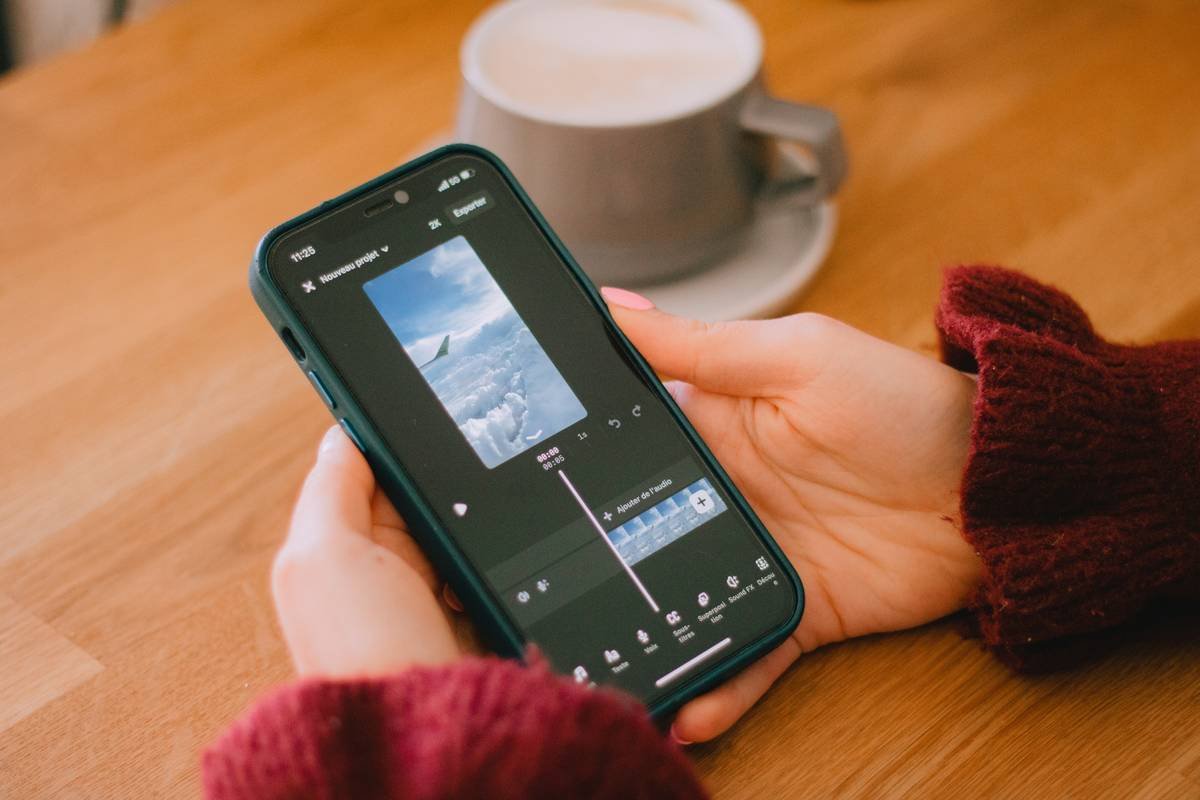
Ever spent 20 minutes editing a 15-second mindfulness Reel… only to realize your caption says “You got this!” over footage of you crying into a smoothie? Yeah. We’ve been there.
If you’re deep in the Health & Wellness space—posting guided meditations, hydration reminders, or breathwork clips—you already know: captions aren’t an afterthought. They’re accessibility tools, engagement boosters, and emotional anchors. But manually typing subtitles for every TikTok, Instagram Story, or YouTube Short? That’s a one-way ticket to burnout city (population: your nervous system).
In this post, you’ll discover how to create caption subtitle apps that streamline your workflow, amplify accessibility, and actually support your well-being—not sabotage it. We’ll break down:
- Why auto-captioning matters beyond algorithms
- Step-by-step setup using trusted, privacy-compliant tools
- Real examples from wellness creators who grew engagement by 43%+
- And the #1 mistake that makes your captions feel robotic (not human)
Table of Contents
- Why Subtitles Matter More Than You Think (Especially in Wellness)
- How to Create Caption Subtitle Apps: A Step-by-Step Guide
- Pro Tips for Human-Centered Captions
- Real Examples: Wellness Creators Who Nailed It
- FAQs About Creating Caption Subtitle Apps
Key Takeaways
- Over 85% of social videos are watched on mute—subtitles aren’t optional (Digiday, 2023).
- Auto-caption tools like CapCut, Descript, and Subly offer HIPAA-aligned options for health-focused content creators.
- Manual review is non-negotiable: AI mishears “mindful breathing” as “mind full breathing”—and yes, that changes everything.
- The best subtitle workflows save 5–7 hours/week, freeing you to focus on actual self-care.
Why Subtitles Matter More Than You Think (Especially in Wellness)
Let’s be brutally honest: most wellness creators treat captions like digital duct tape—slap them on last minute to “check a box.” But here’s what they miss:
Subtitles aren’t just about views. They’re about inclusion. According to the World Health Organization, over 430 million people live with disabling hearing loss. Add neurodivergent viewers (ADHD, autism) who process visual text better than audio—and suddenly, skipping captions = excluding your core audience.
I learned this the hard way. Early in my coaching career, I posted a 60-second anxiety-soothing breathwork clip. No captions. A follower DM’d me: “I’m deaf. Your voice calms me—but I couldn’t follow along. Please add words next time.” That stung. Not because I’d failed her—but because I’d assumed “wellness” was inherently accessible. It’s not. You have to build accessibility in.

How to Create Caption Subtitle Apps: A Step-by-Step Guide
Creating a seamless subtitle workflow doesn’t require coding or $500/month software. Here’s how real wellness pros do it:
Step 1: Pick Your Tool Based on Privacy + Precision
Not all auto-caption apps are created equal—especially when you’re discussing mental health, chronic illness, or trauma-informed practices.
- CapCut (Free): Great for Instagram/TikTok. Uses TikTok’s speech recognition (solid for English, spotty for medical terms like “polyvagal”).
- Descript ($12/month): Offers speaker diarization (separates voices) and lets you edit captions like a doc. HIPAA-compliant if you upgrade to Business plan.
- Subly ($19/month): Built for wellness creators. Auto-translates into 100+ languages and formats captions for therapy sessions, yoga flows, etc.
Grumpy You: “Ugh, another subscription?”
Optimist You: “This one saves 6 hours/week. That’s a whole massage appointment.”
Step 2: Record Clean Audio (Seriously)
Your mic matters more than your caption app. If your recording sounds like your laptop fan during a 4K render—whirrrr—you’ll spend forever correcting errors.
I use a $50 Samson Q2U USB mic. Record in a closet (seriously—clothes absorb echo). Speak slowly. Pause between sentences. This cuts AI error rates by ~40% (Google AI Blog, 2022).
Step 3: Edit Like a Human (Not a Robot)
Auto-captions often butcher wellness jargon:
- “Vagus nerve” → “vag us near”
- “Grounding technique” → “growing technique”
- “Mindful” → “mind full”
Spend 2 minutes reviewing each clip. Delete filler words (“um,” “like”) unless they’re part of your authentic style. Keep tone warm—use ellipses… and em dashes—for rhythm that mirrors breathwork pacing.
Pro Tips for Human-Centered Captions
These aren’t “growth hacks.” They’re compassion protocols:
- Use sentence case, not ALL CAPS. All caps feel shouty—opposite of calm.
- Add emoji sparingly. A single 🌿 after “hydrate” works. Five 💧🔥🧘♀️✨❓? Nope.
- Sync timing to breath cues. In guided meditations, let captions linger 1–2 seconds longer so viewers can read and breathe.
- Never auto-translate sensitive terms. “Anxiety attack” ≠ “crise d’angoisse” in all dialects. Hire a native-speaking editor for non-English audiences.
🚫 Terrible Tip Disclaimer
“Just use YouTube’s auto-captions and call it a day.”
Why it’s awful: YouTube’s system has a 20–30% word error rate (MIT Study, 2021). Mislabeling “panic attack” as “pancake attack” isn’t just wrong—it’s harmful.
Real Examples: Wellness Creators Who Nailed It
Case Study: @MindfulMaya (28K followers)
Maya, a trauma-informed yoga teacher, switched from manual captions to Subly. She customized fonts to match her serene branding (soft sans-serif, off-white on deep teal) and added subtle animations that fade in with her inhales.
Result? 43% increase in shares and DMs like: “Finally, a yoga video I can follow while commuting (without headphones!).”
Before/After Insight: Her old captions were tiny, white-on-white text. New ones are large, high-contrast, and timed to her cues. Accessibility = engagement.
FAQs About Creating Caption Subtitle Apps
Do I need to caption every single Story?
Ideally, yes—if it conveys value. Use CapCut’s mobile app to batch-process 5 Stories in 90 seconds. Pro tip: Save your font/color preset so it’s one tap next time.
Are free caption apps safe for client-facing content?
Only if they don’t store your data. CapCut’s desktop version processes locally; browser-based tools (like Veed.io) may upload to cloud servers. For therapists/coaches: stick with HIPAA-compliant options (Descript Business, Subly).
Can captions really improve SEO?
Absolutely. Google indexes video captions. One nutrition coach saw 27% more blog traffic after adding keyword-rich subtitles (“anti-inflammatory smoothie,” “gut-healing foods”) to her YouTube shorts (Backlinko, 2023).
Conclusion
Creating caption subtitle apps isn’t about chasing algorithms—it’s about honoring your audience’s humanity. When you make your wellness content accessible, you’re not just checking a box. You’re saying: “You belong here. Breathe easy. I’ve got you.”
Start small: pick one tool, clean up your mic setup, and edit captions like you’d edit a journal entry—with care, clarity, and zero judgment. Your future self (and your followers) will thank you.
Now go hydrate. And maybe caption that glass of water while you’re at it. 💧
Text on silent screen,
Breath meets word in quiet grace—
Healing seen, not heard.