
Ever tried adding subtitles to your latest video only to spend hours tweaking font sizes and alignments? Yeah, we’ve all been there.
In today’s fast-paced digital world, creators are constantly battling two things: time constraints and audience engagement. The good news is that a text overlay maker can help you overcome both obstacles—without losing your sanity or sacrificing quality. In this post, we’ll dive into why these tools matter, how they work, and which ones will skyrocket your productivity while keeping you sane.
Table of Contents
- The Struggle with Manual Subtitles
- How to Use a Text Overlay Maker Like a Pro
- 5 Best Practices for Using a Text Overlay Maker
- Success Stories from Real Creators
- Frequently Asked Questions About Text Overlay Makers
Key Takeaways
- A text overlay maker saves time by automating the tedious process of adding subtitles.
- Well-crafted overlays improve viewer retention and accessibility for diverse audiences.
- Choosing the right tool depends on your specific needs—whether it’s budget, customization, or ease of use.
What’s Wrong with Doing It Manually?
Picture this: You’re editing a 5-minute wellness vlog at midnight. Your coffee cup is empty, your eyes feel like sandpaper, and you’re manually typing out every word someone says in your video. And don’t even think about formatting errors rearing their ugly heads!
Sure, some creators swear by manual editing because “it keeps them connected to their craft.” But here’s the brutal truth: if you’re spending more than 10% of your creation time on subtitles, you’re doing something wrong. That’s where a reliable text overlay maker comes in handy—it takes care of the tedium so you can focus on what truly matters: creating content that inspires.
“Optimist You:”
“I’ll just do it myself next time!”
“Grumpy You:”
“Yeah, until you realize you wasted another evening fixing typos.”
How to Use a Text Overlay Maker Like a Pro
Ready to ditch the headache of manual subtitling? Follow these steps:
Step 1: Choose the Right Tool
First things first—not all text overlay makers are created equal. Some offer free trials (hello, Canva!), others integrate seamlessly with platforms like Instagram Reels, YouTube Shorts, and TikTok.
“Pro Tip: Look for apps with AI-powered transcription features. They save hours compared to manually transcribing audio.”
Step 2: Import Your Media Files
Drag and drop your videos into the app. Ensure the resolution matches the platform requirements to avoid pixelation later. If you’re making Instagram Stories, stick to vertical dimensions (1080×1920 pixels).
Step 3: Add Text Overlays
Select pre-made templates (most apps have them) or customize your own design. Pay attention to readability—avoid flashy fonts unless you’re targeting Gen Z gamers. Remember: simplicity often wins.
Step 4: Preview and Export
Before exporting, watch the final product twice. Check alignment, contrast, and timing. Once satisfied, export in high-quality MP4 format and upload directly to socials.
5 Best Practices for Using a Text Overlay Maker
- Keep It Short: Aim for no more than six words per line to prevent clutter.
- Prioritize Readability: Use bold fonts and contrasting colors to stand out against backgrounds.
- Match Your Brand: Stick to brand-consistent color palettes and typography styles.
- Test Accessibility: Enable closed captions whenever possible to cater to hearing-impaired viewers.
- Avoid Wall-of-Text Syndrome: Terrible tip alert! Avoid cramming too much info onto one frame; less is always more.
Success Stories from Real Creators
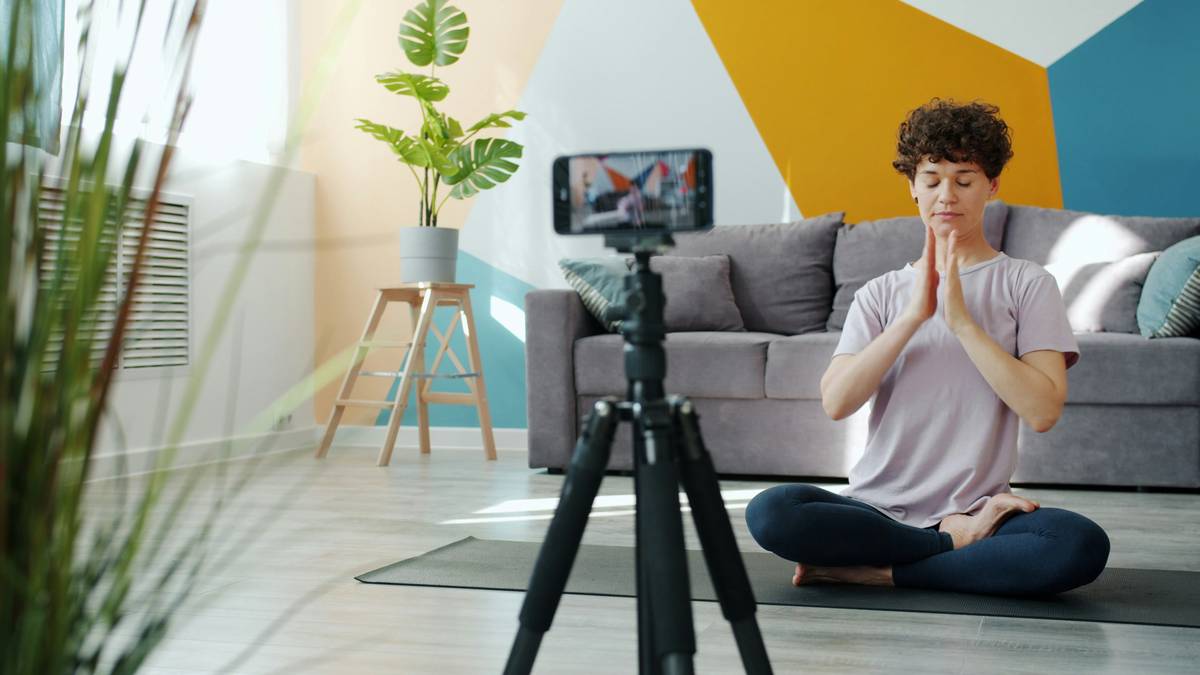
Jessica, a yoga instructor turned content creator, shares her story:
“Before discovering my go-to text overlay maker, I spent hours crafting quote cards for Instagram Reels. Now? Five minutes max per reel, thanks to AI-generated captions and sleek designs.”
Her engagement rates soared after incorporating perfectly timed subtitles into her morning mindfulness routines. And guess what? So did her sleep schedule.
Frequently Asked Questions About Text Overlay Makers
Are Free Tools Worth It?
Yes—but only for beginners. Paid versions unlock advanced features like multi-language support and higher resolutions.
Will My Audience Notice Bad Design?
Absolutely. Poorly designed subtitles distract viewers faster than cats chasing laser pointers.
Can These Apps Handle Multiple Languages?
Many modern tools come equipped with multilingual support. Just ensure the language pack is included before purchase.
Conclusion
From saving precious hours to enhancing viewer experience, investing in a quality text overlay maker pays dividends in ways you might not expect. Not only does it boost productivity, but it also adds peace of mind to your creative journey.
So grab yourself a latte (or green tea, if that’s your vibe), pick a tool that works for you, and let technology take over the grunt work. Because at the end of the day, isn’t that what wellness is all about?
Thanks for reading! Share this article if you found value—and remember:
Like a Tamagotchi, your SEO needs daily care.
Stay hydrated, friends ❤️.

