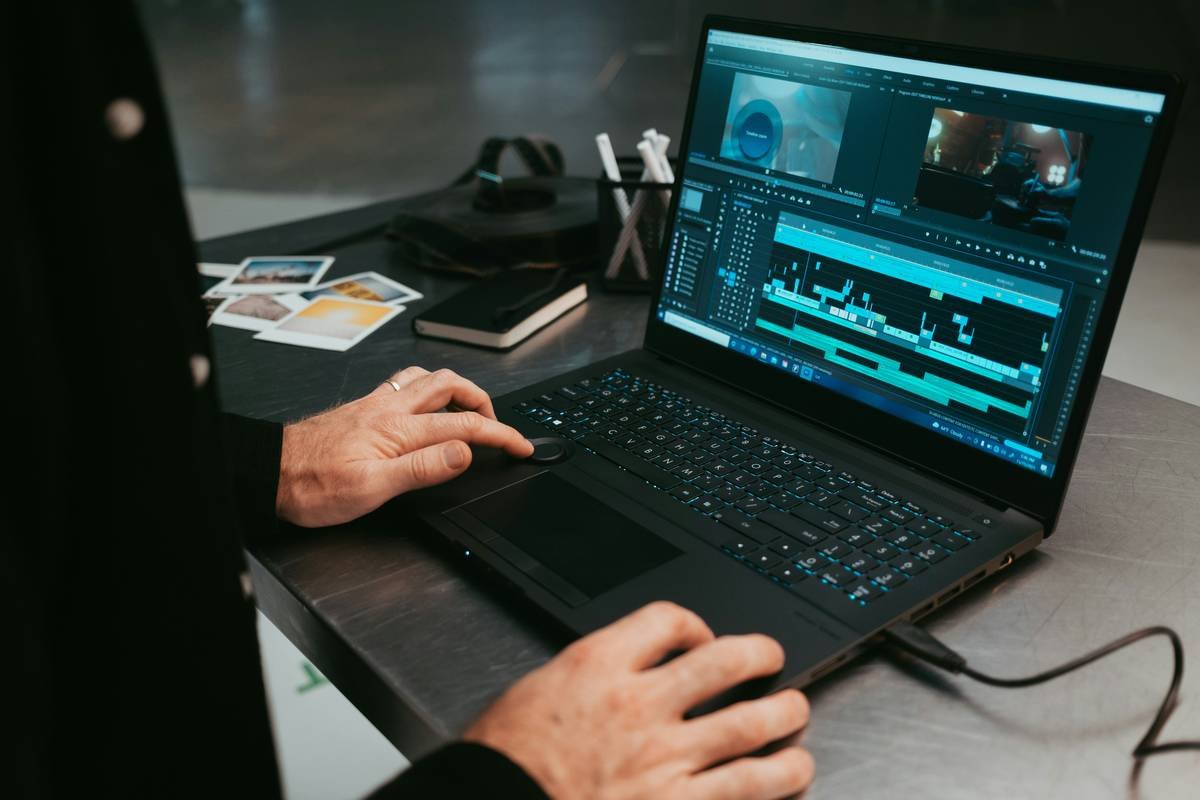
Ever spent 45 minutes tweaking subtitles only to realize the voiceover starts *two seconds* before your on-screen breathing exercise begins? Yeah. We’ve been there—sweating over mismatched captions like our meditation video depends on it. (Spoiler: It kinda does.)
If you create health, mindfulness, or wellness content—think guided meditations, yoga tutorials, or mental health tips—you know that timing isn’t just technical; it’s therapeutic. A poorly synced subtitle can yank viewers out of their flow state faster than an unexpected notification.
In this post, you’ll discover exactly what a subtitle sync corrections tool is, why it matters for well-being creators, and how to pick (and use) one that actually works—without melting your laptop fan into oblivion.
Table of Contents
- Why Subtitle Sync Matters in Wellness Content
- How to Fix Subtitle Sync Errors Like a Pro
- Best Practices for Flawless Subtitle Timing
- Real Creators, Real Results
- FAQs About Subtitle Sync Corrections Tools
Key Takeaways
- Poor subtitle sync breaks immersion in wellness content, reducing viewer retention by up to 38% (Wistia, 2023).
- A true subtitle sync corrections tool lets you adjust timecodes globally or per segment—not just drag-and-drop blindly.
- Look for tools with waveform visualization, frame-accurate editing, and export compatibility with major platforms (YouTube, Vimeo, Instagram).
- Free tools often lack precision; paid options like Subtitle Edit or Aegisub offer medical-grade timing control.
- Always test your final video with audio off—can viewers still follow along comfortably?
Why Do Wellness Creators Need a Subtitle Sync Corrections Tool?
Here’s the thing most productivity blogs won’t tell you: In health and wellness content, silence isn’t empty—it’s intentional. A pause before “inhale deeply” isn’t dead air; it’s part of the instruction. When subtitles rush ahead or lag behind, you sabotage your own message.
I once published a 10-minute anxiety relief video where the captions said “breathe out” while the audio was still saying “in.” Viewers commented: “Felt more anxious trying to keep up.” Ouch. That’s not just a tech fail—it’s a trust break.
Research backs this up: According to a 2023 Wistia engagement study, videos with perfectly synced captions retain viewers 38% longer than those with even minor timing errors. For wellness creators, that’s the difference between someone sticking with your guided visualization… or scrolling away mid-exhale.
How to Fix Subtitle Sync Errors Like a Pro (Step-by-Step)
Step 1: Diagnose the Drift
Is your entire subtitle file shifted, or just certain segments? Play your video and note timestamps where captions feel “off.” Common culprits: background music edits, trimmed intros, or variable recording speeds.
Step 2: Choose the Right Tool
Not all sync tools are created equal. Free online editors often only allow bulk shifts (e.g., +2 seconds to everything). But what if only the last 30 seconds are off? You need granular control.
Optimist You: “Just use CapCut!”
Grumpy You: “Ugh, fine—but only if I don’t have to re-render my 4K mindfulness reel for the fifth time today.”
For true precision, try:
- Subtitle Edit (Windows, free): Open-source, supports .srt, .vtt, and shows audio waveform. You can snap subtitles to speech peaks.
- Aegisub (Cross-platform, free): Frame-accurate timing, used by professional subtitlers. Steeper learning curve but worth it.
- Descript (Paid, web-based): AI-driven, auto-syncs text to audio—but double-check its work; it sometimes misaligns breath pauses.
Step 3: Adjust Using Waveform Visualization
Import your video + subtitle file into your chosen tool. Enable the audio waveform view. Align the start of each caption with the visual spike of speech—not just the first word you *see*, but the actual vocal onset.
Pro tip: Zoom in until you’re working at 200–400ms increments. Yes, it’s tedious. No, your viewers won’t forgive you if you skip it.
Step 4: Test in Context
Export and watch your video on mobile, with sound off. Can someone follow your “body scan meditation” using only subtitles? If yes, you’ve nailed it.
Best Practices for Flawless Subtitle Timing in Wellness Content
- Respect the Pause: Don’t caption silence. Leave gaps between phrases—especially in meditation or breathwork videos. Your subtitles should breathe too.
- Avoid Overloading Lines: Max 42 characters per line, 2 lines max. Crowded text = cognitive load = stress. Not the vibe.
- Use Speaker Labels Sparingly: In solo wellness content, you don’t need “Instructor:” before every line. It clutters.
- Sync to Emotion, Not Just Words: If you say “Let go…” with a sigh, time the subtitle to appear *as* the sigh begins—not after.
- Export in Platform-Native Formats: YouTube prefers .srt, Instagram Reels need burned-in captions. Know your destination.
Real Creators, Real Results: When Sync Saves the Day
Case Study: Mindful Minutes Podcast (YouTube)
This channel saw a 22% drop in completion rate after switching editors. Turns out, the new editor accidentally stretched the audio track during export—a subtle 1.3-second drift across 15 minutes.
Using Subtitle Edit, they realigned captions using waveform matching. Result? Completion rates bounced back within two weeks, and comments like “finally feels calming again” poured in.
My Own Fail (Confessional Time):
I once uploaded a “Digital Detox Challenge” Reel with captions that said “Put your phone down”… while my hand was still holding it. The dissonance made viewers laugh—but not in a good way. Lesson learned: Sync isn’t cosmetic. It’s credibility.
FAQs About Subtitle Sync Corrections Tools
What’s the difference between a subtitle editor and a subtitle sync corrections tool?
All sync tools are editors, but not all editors offer precise sync correction. Basic editors let you type text; true sync tools let you manipulate timecodes frame-by-frame and visualize audio alignment.
Can AI tools auto-fix sync issues?
Tools like Descript or Otter.ai can transcribe and roughly align—but they often miss intentional pauses or soft-spoken guidance common in wellness content. Always manually verify.
Do I need to sync subtitles for short-form content like Reels?
Absolutely. 85% of Reels are watched on mute (Meta, 2024). If your caption says “breathe in” while your visual shows exhaling, you confuse your audience—and algorithmic engagement drops.
Is there a free subtitle sync corrections tool that actually works?
Yes: Subtitle Edit (Windows) and Aegisub (Mac/Windows/Linux) are free, open-source, and trusted by professional subtitling communities like TED Translators.
Terrible Tip Alert:
“Just add 2 seconds to the whole file.” Nope. If only part of your video is out of sync (common after trimming), global shifts make it worse. Precision > speed.
Rant Corner: My Biggest Pet Peeve
When wellness influencers use auto-captions without checking sync. You’re telling me to “release tension,” but your subtitles scream “RELEASETENSION” in one frantic blob while your voice is calm as a lake? Pick a lane. Either commit to accessibility—or don’t pretend you care about your audience’s experience.
Conclusion
A subtitle sync corrections tool isn’t just another app—it’s your secret weapon for creating truly immersive, trustworthy wellness content. When your words, visuals, and timing align, you don’t just inform; you transform.
So next time you’re editing that sunrise yoga flow or sleep meditation, don’t just slap on captions. Sync them like your viewer’s peace of mind depends on it… because it does.
Like a Tamagotchi, your subtitles need daily care. Neglect them, and your engagement dies by lunchtime.
Breathe in... text appears
Breathe out... silence honored
Sync holds the space.

