
Hook: Ever stared at a blank screen wondering how to make your subtitles pop without looking like they were designed by an overzealous intern? Trust me, you’re not alone.
In this post, we’ll break down precisely how to use text overlay effects effectively within subtitle apps—not only to level up productivity but also to boost well-being through visually engaging content. By the end of this guide, you’ll understand why these micro-details matter more than you think.
We’ll explore:
- The importance of mastering text overlay effects in wellness-related videos.
- A step-by-step playbook on implementing them perfectly every time.
- Bonus tips and tools that can save hours (and headaches).
Table of Contents
- Key Takeaways
- The Struggle is Real: Why Text Overlay Effects Matter
- Step-by-Step Guide to Perfecting Text Overlay Effects
- Top Tips for Killer Subtitles with Text Overlay Effects
- Real Examples of Success Using Subtitle Apps
- Frequently Asked Questions About Text Overlay Effects
- Conclusion
Key Takeaways
- Text overlay effects enhance viewer engagement while reducing burnout during content creation.
- Poorly executed subtitles hurt both readability and professional appeal.
- You don’t need fancy design skills; just follow tested methods and leverage smart tools.
The Struggle is Real: Why Text Overlay Effects Matter
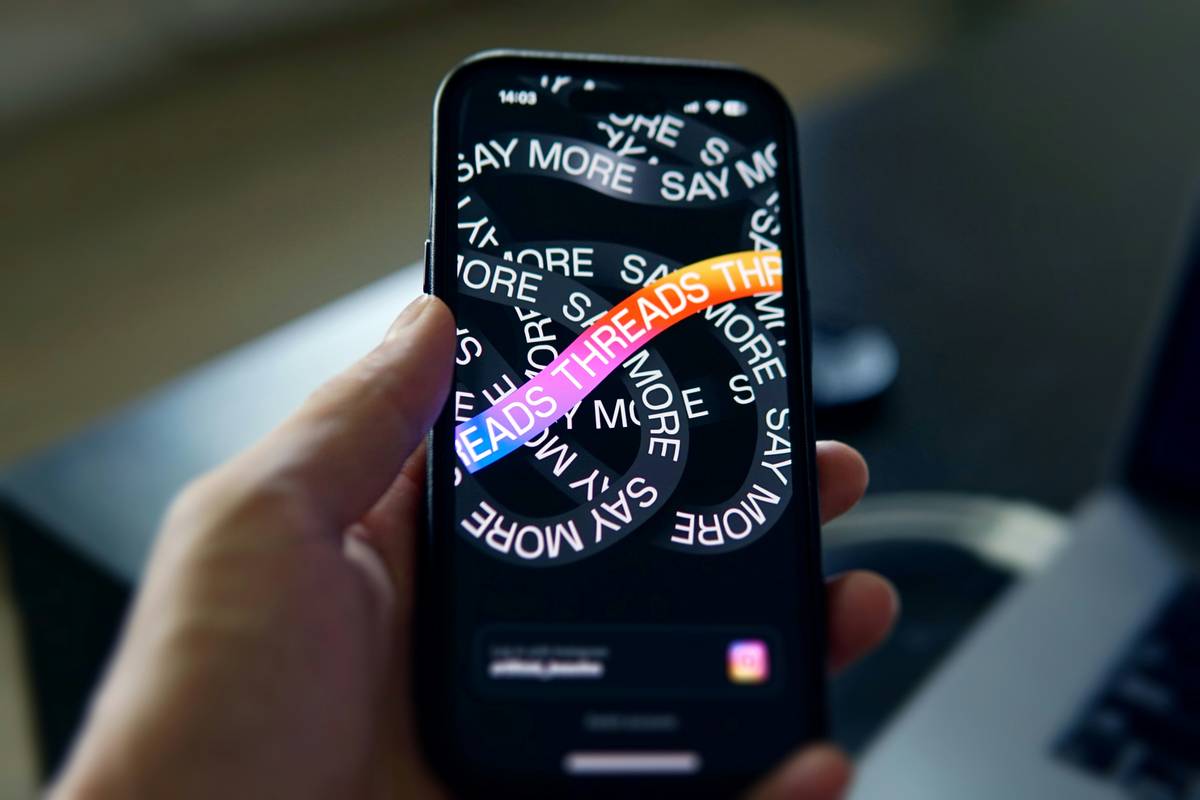
I once worked on a wellness tutorial where I spent HOURS futzing around with mismatched fonts, transparency levels, and animations—thinking my creativity would impress viewers. Instead, it looked like someone had spilled font soup all over the video. My audience feedback? Crickets.
Here’s the cold truth: Your audience doesn’t care about overly complicated text styles if they distract from the message. Instead, clean, effective text overlay effects increase comprehension and reduce eye strain—a win-win for health-focused creators.
Optimist You: “Let’s add those slick transitions already!”
Grumpy You: “Ugh, fine—but only after you’ve got the basics right.”
Step-by-Step Guide to Perfecting Text Overlay Effects
1. Choose the Right Font Pairings
Not all fonts are created equal. Stick to sans-serif options like Open Sans or Montserrat for clarity, and avoid pairing two wildly different ones unless you want your video to scream “confusing!”
2. Get Transparency Just Right
Sometimes less opacity IS more. Aim for 70–80% transparency to ensure text stands out against any background noise. This keeps the visual flow smooth, which helps viewers focus better.
3. Use Subtle Animations Wisely
Animations should feel intentional, not jarring. Tools like Canva or CapCut let you implement fade-ins or slide-outs seamlessly so viewers stay immersed instead of annoyed.
Top Tips for Killer Subtitles with Text Overlay Effects
- Consistency Over Creativity: Keep formatting uniform across titles, body text, and calls-to-action. Consistency equals familiarity.
- Leverage Color Psychology: Bright orange screams energy, blue conveys calmness. Match colors to your wellness theme!
- Don’t Forget Audio Syncs: Poorly timed text overlays ruin immersion—and your rep as a creator.
Terrible Tip Alert: PLEASE don’t try adding 15 effects per line. Even though it might seem fun in the moment, trust me—it isn’t worth the collective eyeroll.
Real Examples of Success Using Subtitle Apps
Consider Jane, a yoga instructor who switched to using Kapwing’s text overlay presets. She saw her watch time soar because clear, easy-to-read instructions kept users engaged longer.
Or Mark, whose meditation app promo went viral thanks to subtle glow effects behind dark-toned subtitles—perfect for his nighttime relaxation niche.
Frequently Asked Questions About Text Overlay Effects
What Are the Best Subtitle Apps for Text Overlay Effects?
Try Descript, Canva, or Adobe Premiere Rush—they cater to beginners AND pros alike.
Will Fancy Effects Slow Down My Video Editing Process?
Nope! With templates built into most modern subtitle apps, you’ll breeze through edits faster than making coffee…almost.
Is There Such a Thing as Too Many Transitions?
Absolutely. Stick to one or two types per project to avoid overwhelming viewers.
Conclusion
By now, you know exactly how to craft killer text overlay effects that keep audiences glued to your content—all without losing sleep or sanity. Remember, simplicity trumps chaos every single time.
So go ahead, experiment cautiously, and start creating wellness content that dazzles without distracting. And hey—maybe throw some retro vibes in there. Like Cool Ranch Doritos circa 2005.
Haiku to inspire:
Clear text, strong purpose,
Effects are sparks, not flames.
Balance wins hearts true.

